Tool

Agentation
Click UI → structured markdown feedback with CSS selectors for agents
About
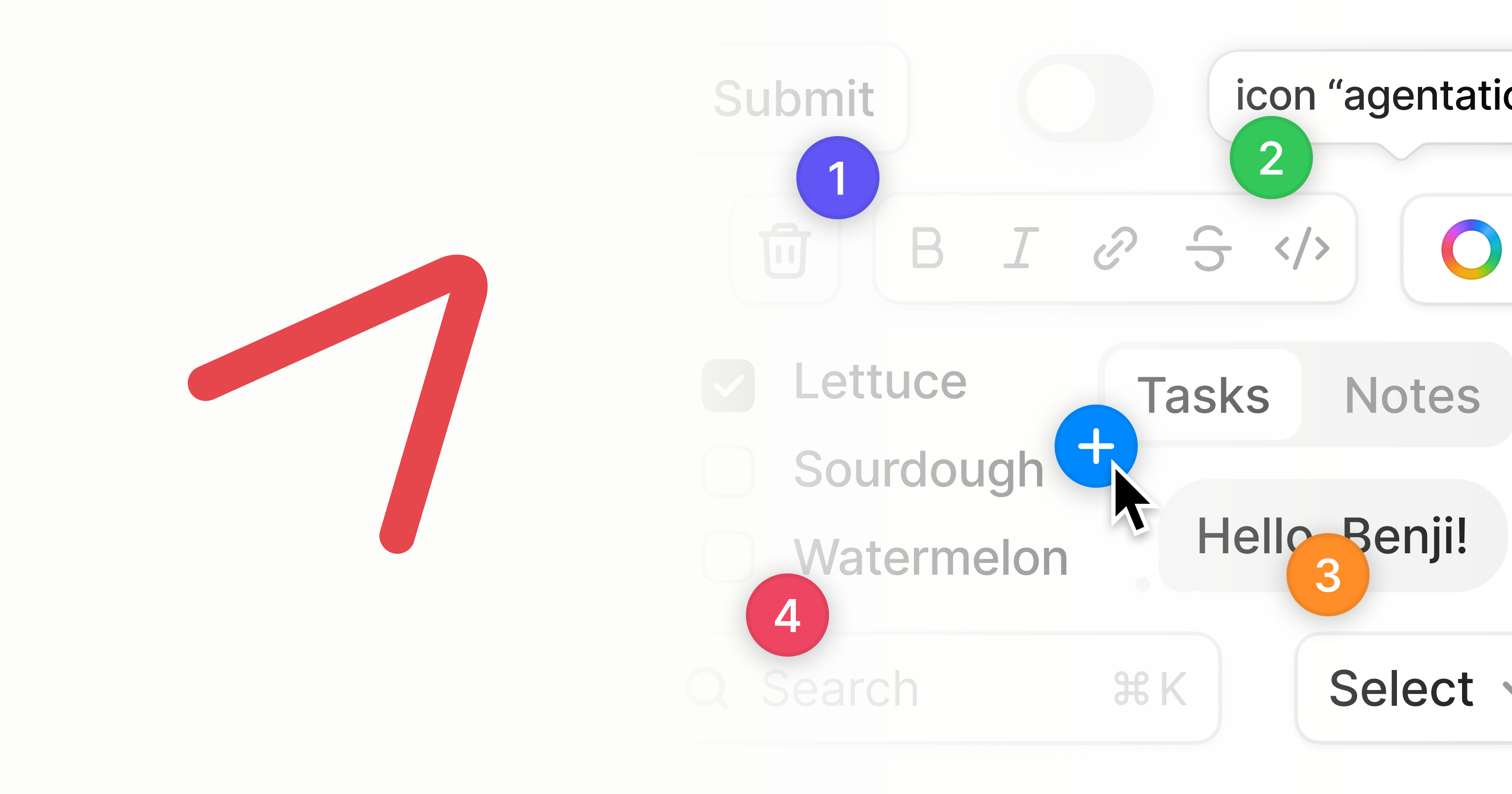
Agentation turns UI annotations into structured context that AI coding agents can understand and act on. Click any element, add a note, and paste the output into Claude Code, Codex, Grok, or any AI tool.
With MCP , your agent can read feedback directly. Connect your agent, add a note, then ask it to address your annotations.
Give the output to Claude, Codex, Gemini, Grok, or any coding agent with access to your codebase. Depending on your output settings and what the page exposes, it includes:
Without Agentation, you’d have to describe the element (“the blue button in the sidebar”) and hope the agent guesses right. With Agentation, you give it .sidebar > button.primary and it can grep for that directly.
Features
- Click the icon in the bottom-right corner to activate
- Hover over elements to see their names highlighted
- Click any element to add an annotation
- Write your feedback and click Add
- Click to copy formatted markdown
- Paste into your agent
- Pricing
- Unknown
- Pricing detail
- Agent design tooling; pricing unclear
- Platforms
- Web
Add a badge to your site
Makers listed on isthereanytool.app can embed this badge. It links to Agentation’s page on our catalog — no scripts, just HTML.

<a href="https://www.isthereanytool.app/tool/agentation" target="_blank" rel="noopener"><img src="https://www.isthereanytool.app/badge/listed.svg?theme=paper" alt="Featured on isthereanytool.app" width="250" height="54"></a>